
An AI skill
Your AI agent builds a studio-grade site
Performance
Largest paint 0.7 s, blocking 30 ms
Accessibility
Contrast, landmarks and keyboard order
SEO
Meta, sitemap and llms.txt ship with the page
The result speaks for itself
Six sites built with this skill from nothing. Different niches, different palettes, different sets of blocks — one build route behind all of them. Each has a write-up in the blog: what the business is and what its homepage is made of. The seventh example is the site you are reading.

Neurocast
Medtech: predictive diagnostics. A page that may promise nothing, and therefore carries no figures

Ledgera
Payment infrastructure. The one of the six where a price on the page helps the sale

Biocoda
A contract laboratory. A service with no picture: it rests on schemes and one comparison

Svet
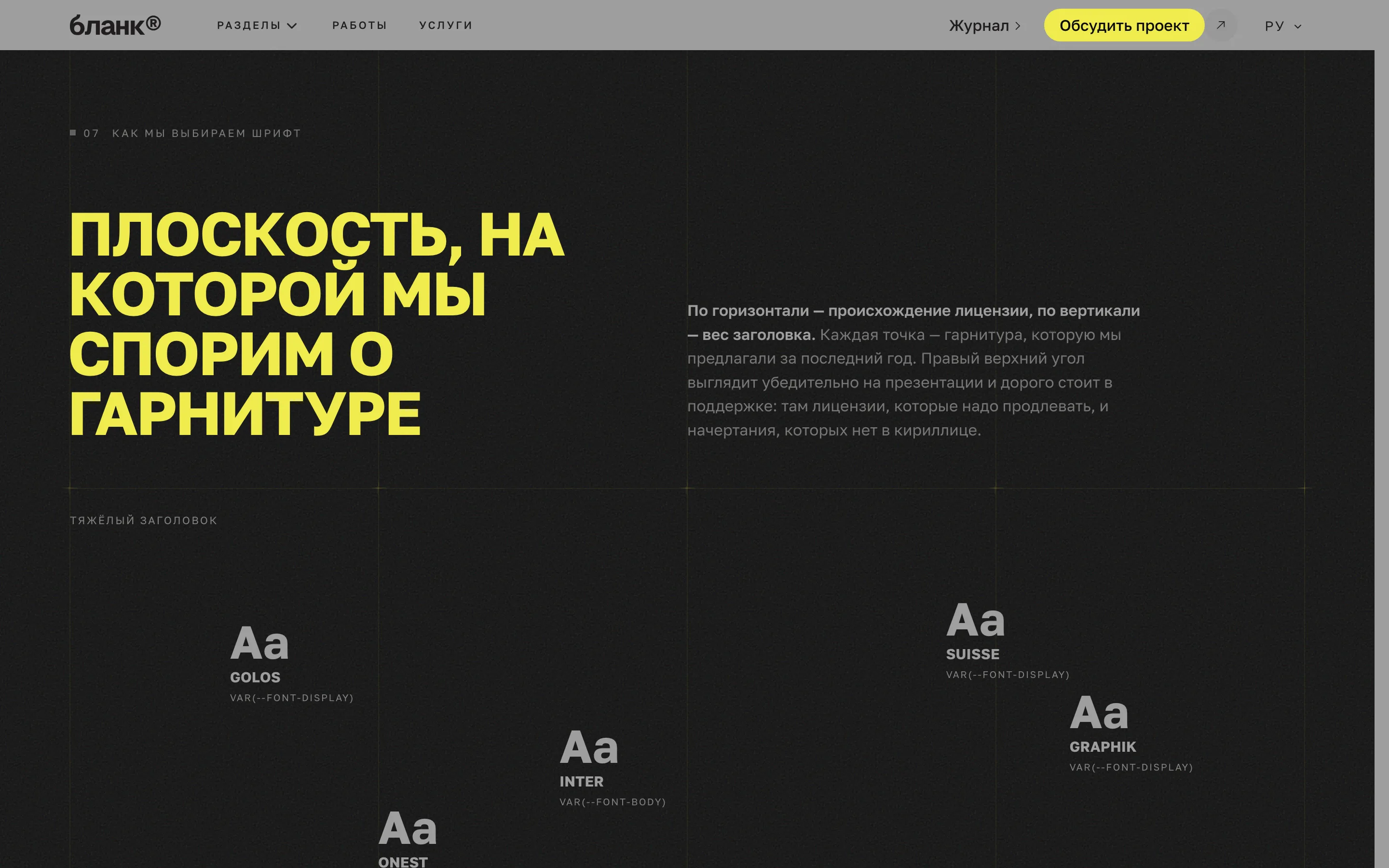
A branding studio. The site is the portfolio, and a yellow you cannot set text in
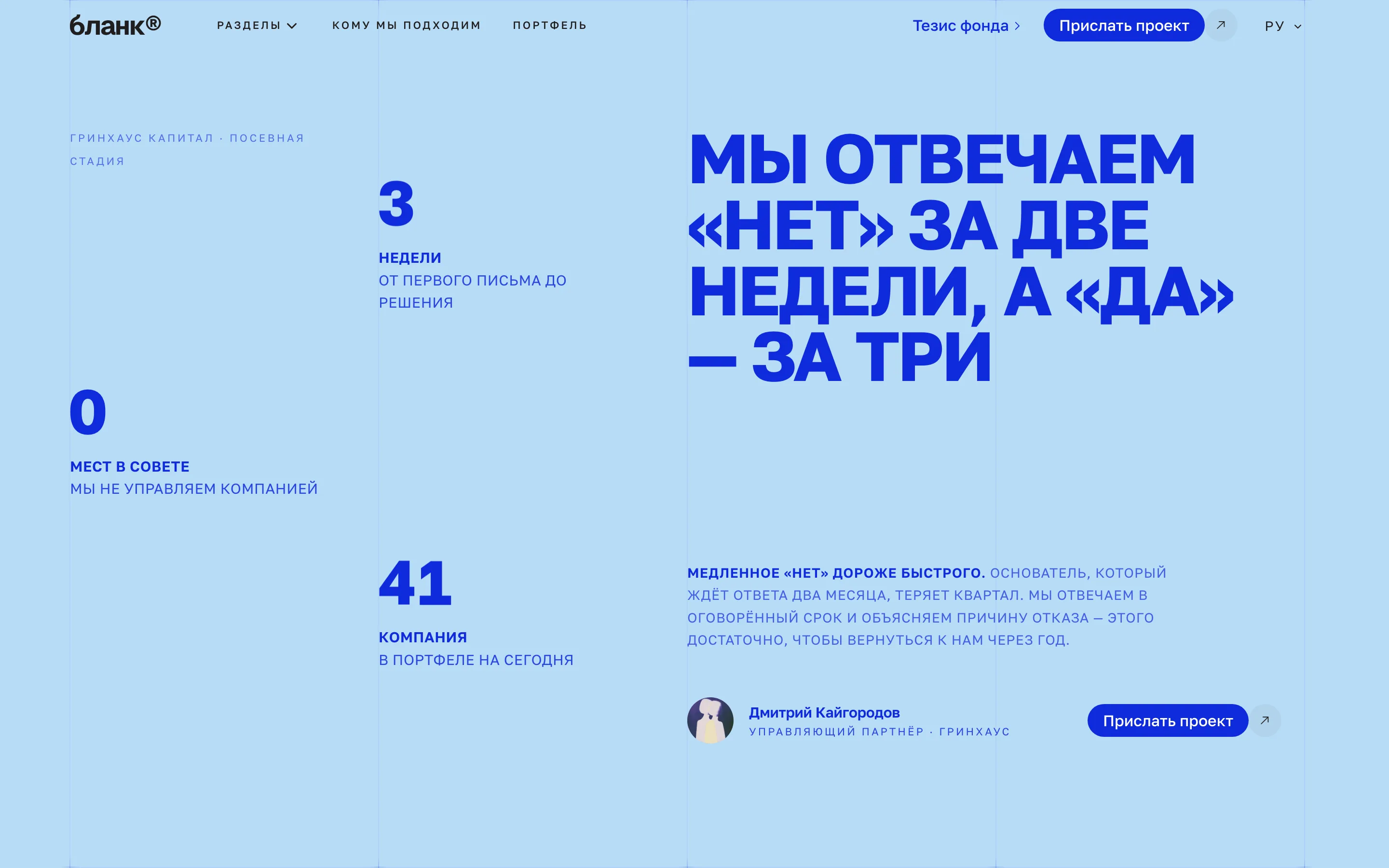
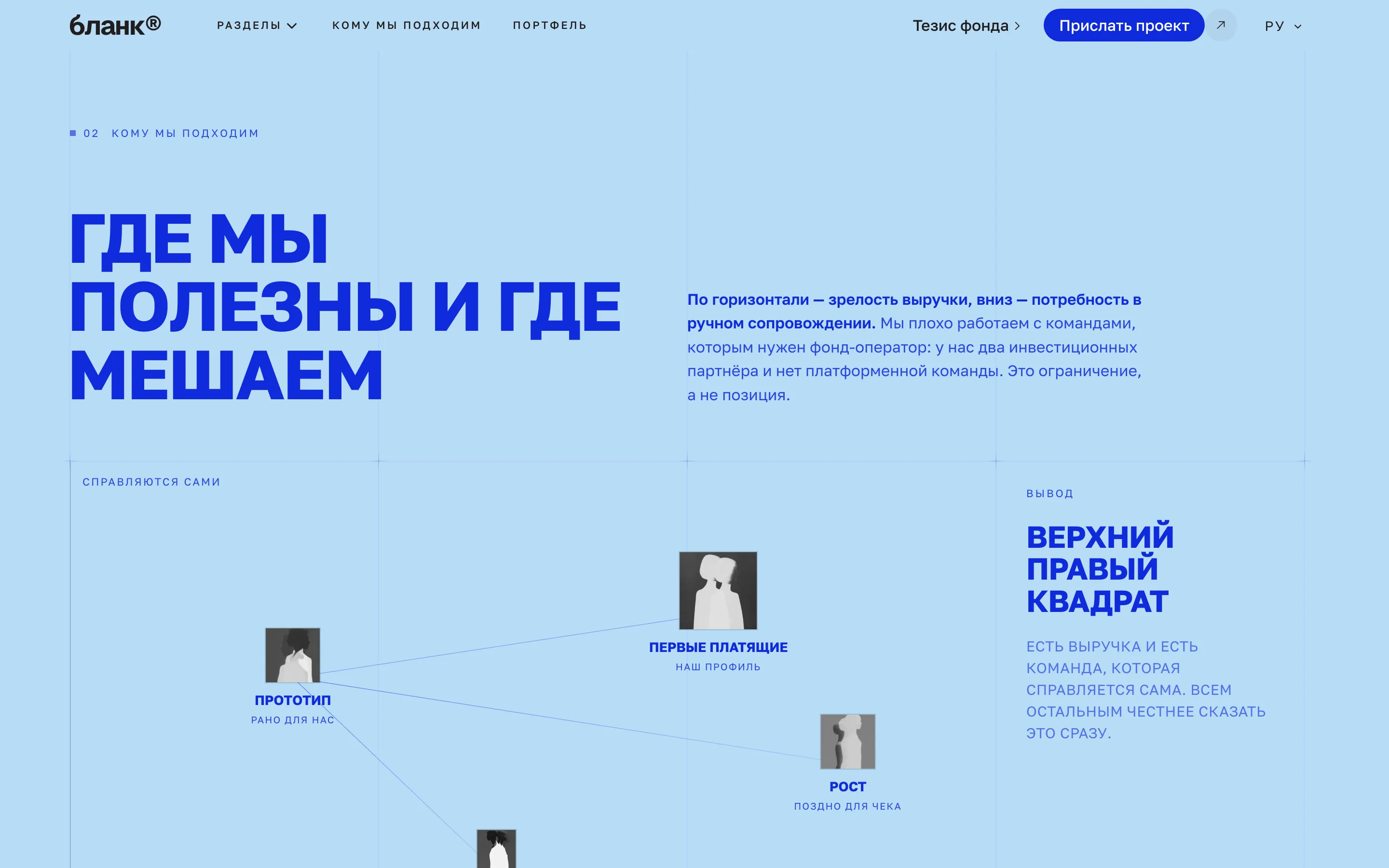
Greenhouse
A venture fund. Two readers with opposite questions on one page
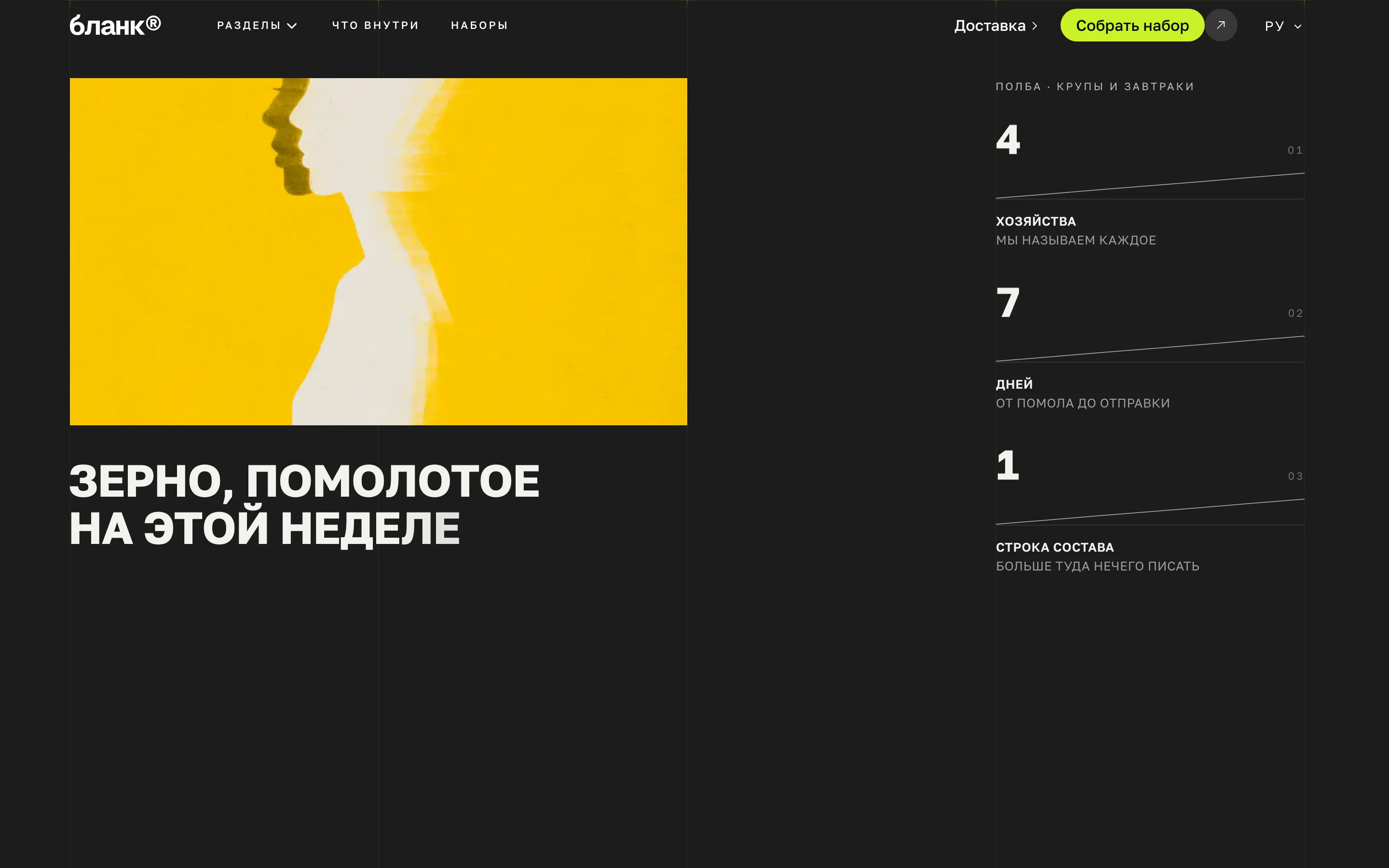
Polba
A D2C grain brand. The only dark build, and the only one that ends in a basket
Why a skill, if the agent already writes markup
A prompt gives you a template, a skill gives you a site. An agent without a route decides everything as it goes, and answers differently on every run. The skill adds a route, a catalogue of blocks and rules it cannot get around — it changes not the speed, but what comes out at the end.
Not a page with the AI showing through
After «build me a site» you get a page that announces what it was made with. Clients and partners read that as how you treat your work, and there is nobody there to explain it to them.
No subscriptions
No Tilda, no Framer: you are not renting a page inside somebody else’s service and not paying for the right to show it. The code is yours — deploy it wherever you like.
Speed and SEO
Next.js with server rendering, compressed media, meta, a sitemap and social cards. The work usually contracted out separately a month after launch.
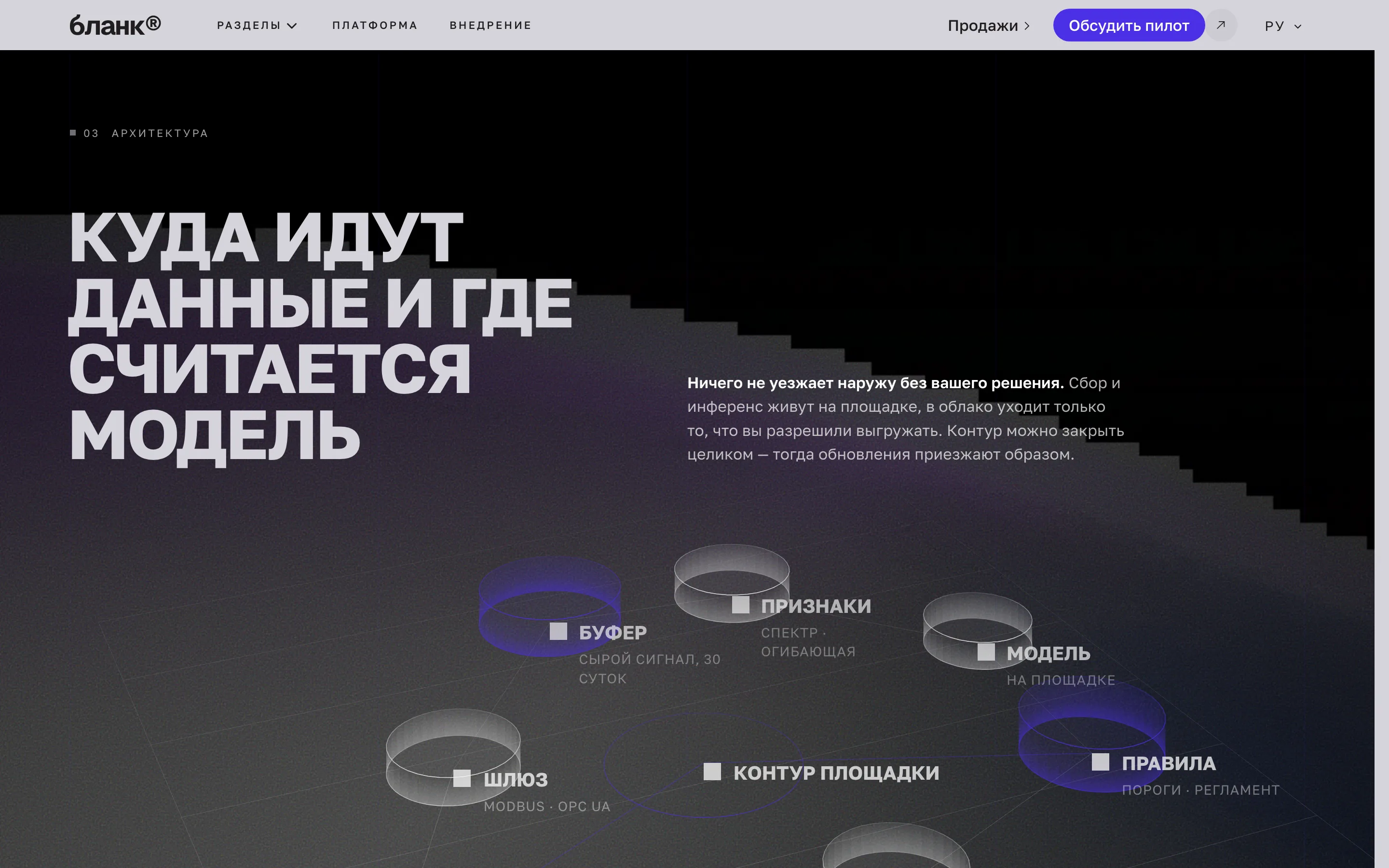
Finished layouts, palettes, type and motion
A catalogue of blocks checked on both themes and three widths. The agent has no layout to invent — it takes the one that fits the content.
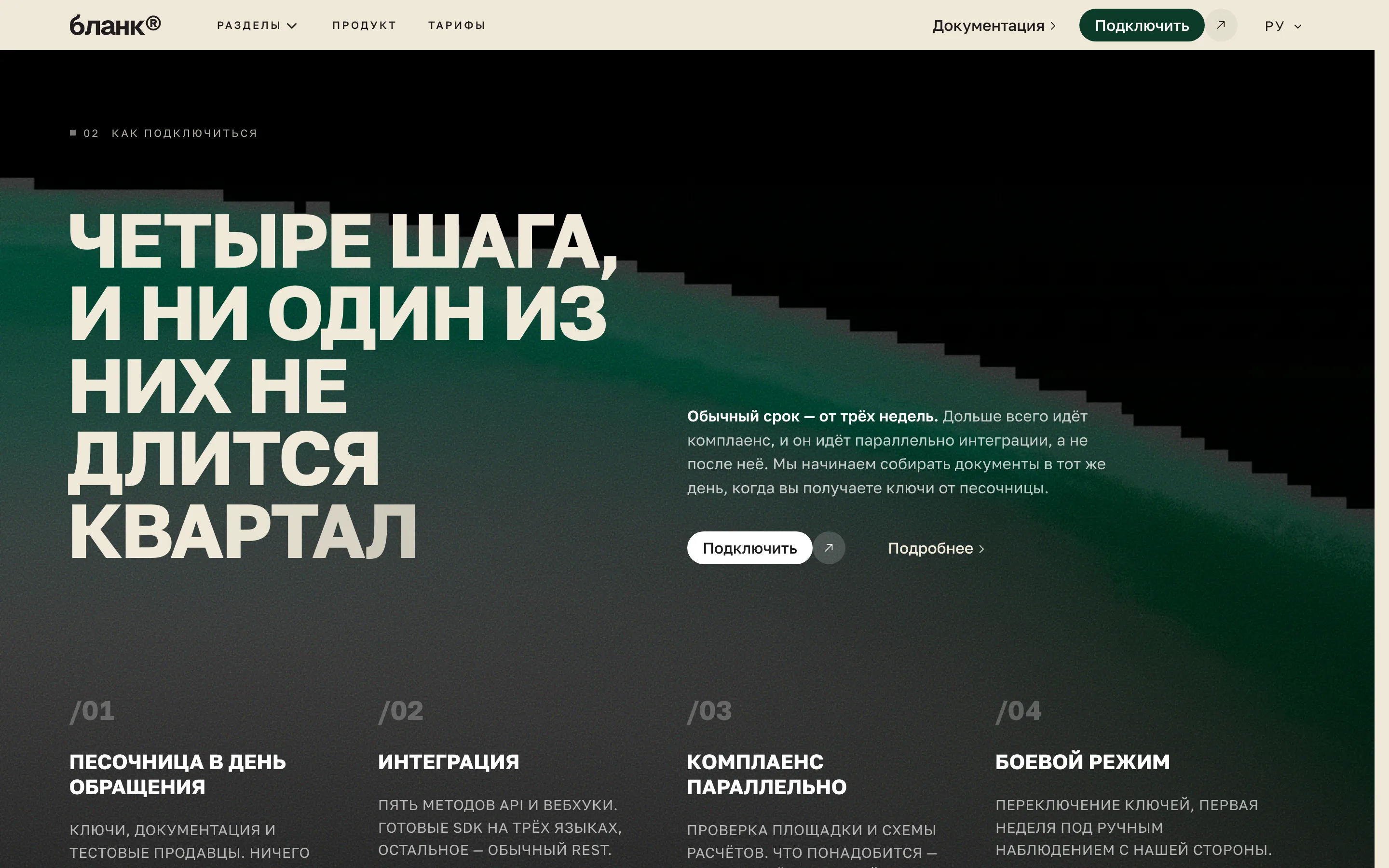
Multilingual mechanics, already wired
Language detection from the browser, the visitor’s choice kept in a cookie, a switcher in the header. Every language owns its page: each market gets its own arguments and examples rather than one text translated.
Anyone can see the difference
The same request, two results. On the left, the page an agent builds from a prompt. On the right, the same task with the route, the catalogue and the rules. Drag the divider to look.
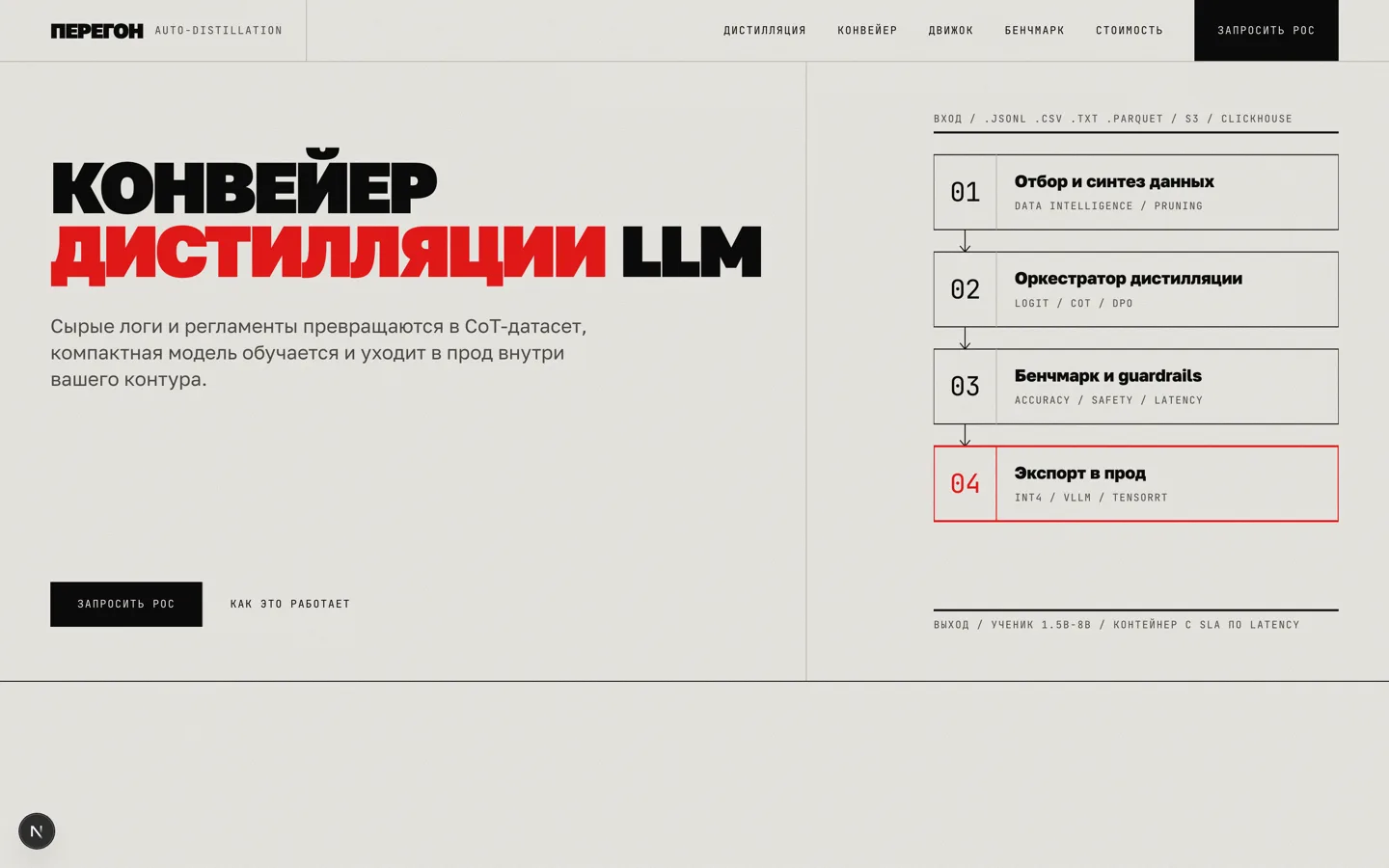

What the catalogue already holds
A finished pipeline for a site that sells
Eight steps, and the assistant walks all eight itself. The order is the work. First we settle who the site is for and why, then how it looks and what it is made of, and only after that do we compose the pages and write the copy. Starting in the middle means redoing everything done before it.
Interview
Who the site is for, why, and what the visitor should do. The assistant asks on its own, in one pass.
Identity
Palette, typefaces and a four-column grid. After this nothing in the source names a colour or a face.
Structure
One-pager or multi-page, languages, themes, a markdown blog.
Compose
Pages are built from the catalogue to fit the page’s argument. A block is taken whole.
Copy
Every string in every language, in your project’s own words. No invented figures.
Media
Images to webp with retina through Next Image, video to webm with a poster. One command.
SEO
Meta, canonicals, hreflang, sitemap, robots and a social card per page per language.
Verify
Types, build, both themes, three widths, contrast. The script fails on leftovers.
Audience portraits are the foundation of the site
The sales strategy starts with them. Who comes to you, what they already know, what they would choose instead of buying, and which objection loses the deal. The funnel is built out of that: where the page opens, in what order the arguments run, and what closes it.
 FounderPitching investors, needed the site yesterday
 MarketerA landing page for a campaign, a week to ship
 DesignerCould build it, would rather not
 StudioShips client sites continuously
One portrait, one landing page
Somebody arriving from search wants the price and the difference. Somebody arriving from an email or an article does not yet know what this is. Different portraits mean different funnels and different pages, and working that out before the build is cheaper than rebuilding after it.
A finished design system for your business
Colour, type and the grid are chosen once, at the start, and hold the whole site afterwards. No page lives its own life: change the colour in one place and the whole site changes, not half of it.
What you get
The site reads as yours before a single block has been composed.



Structure that fits the business
The line under the cursor is the decision. Five decisions, each costlier than the last to redo. A one-pager unfolds into a multi-page site cheaply; the other way it does not, because the copy was written to be read in one scroll.
One-pager
Multi-page
Default theme
Languages
Markdown blog
When waiting is not an option
A slow page is closed before the first screen. Scripts compress images and video, make posters and retina frames, and switch on lazy loading — by hand that is days of work on every site. A fast page scrolls without stutter, does not flash empty boxes, and ranks higher.
Processed
3kinds of media
Languages at launch
Own copy for each market
Themes
Light, dark and system
Widths
Phone, tablet, desktop
Files for search engines
robots, sitemap, llms.txt
Favicons
From one drawing, for every device
Contrast
Text is read, not guessed at

We check rather than promise
Contrast is computed by the verify script, not judged by eye. Speed is measured in PageSpeed on the built page: we promise no figure, your own run shows it.
Checked in PageSpeed
100%
A finished repository, not an account in a service
One project, not five services. Next.js with server rendering and Tailwind, languages and routes over it, the blog and the documents beside it, a header and a footer on every page. The code is clean and entirely yours: deploy it wherever you like.
Finished SEO for every market
Meta, sitemap, posters and llms.txt are already built. Every section and every language owns its title, description and link image. The sitemap builds itself, llms.txt opens the site to AI search, and the language is detected from the browser and remembered. Each market gets its own content rather than one text translated.
File for AI search
llms.txt: assistants read the whole site
Files for robots
robots.txt, the sitemap, llms.txt
Meta and poster per section
Its own title, description and link image
Languages for any market
Two in the base build, then as many as you need
Duplicates and empty descriptions
The script will not let a site ship with them
Unique pages
Every section in every language is written for its market
More than you thought
All of it runs from day one. Not plans and not a roadmap: every item is built and checked on live sites, including the one you are reading.
Six areas, and every one of them ships closed
A quick start and an easy update
The skill lives where you already work. No settings and no page builder: you talk to the assistant in ordinary words, and it does the work by the instruction that ships in the archive.
The archive carries install instructions for every platform — Claude Code, Cursor, Codex, Windsurf and Antigravity.
One thing is needed from you: tell the assistant where the archive is. It installs the skill for itself from there.
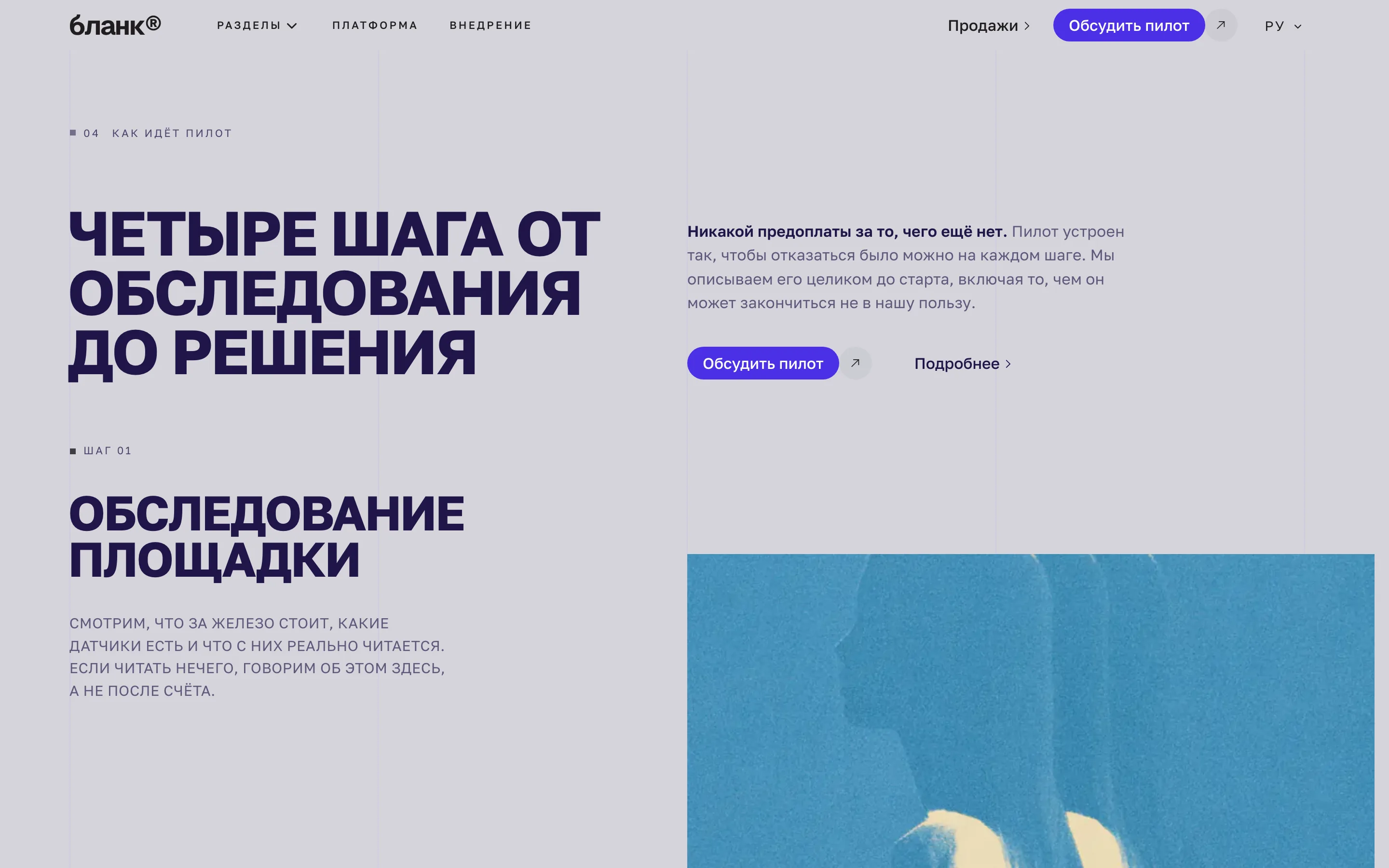

Call the skill with a slash — «/sitify» — and give it whatever you have, even one sentence: what the project is and who you sell to.
The assistant asks for the rest itself: audience, sections, colour, typefaces and language. Everything you do not know has a stated default.
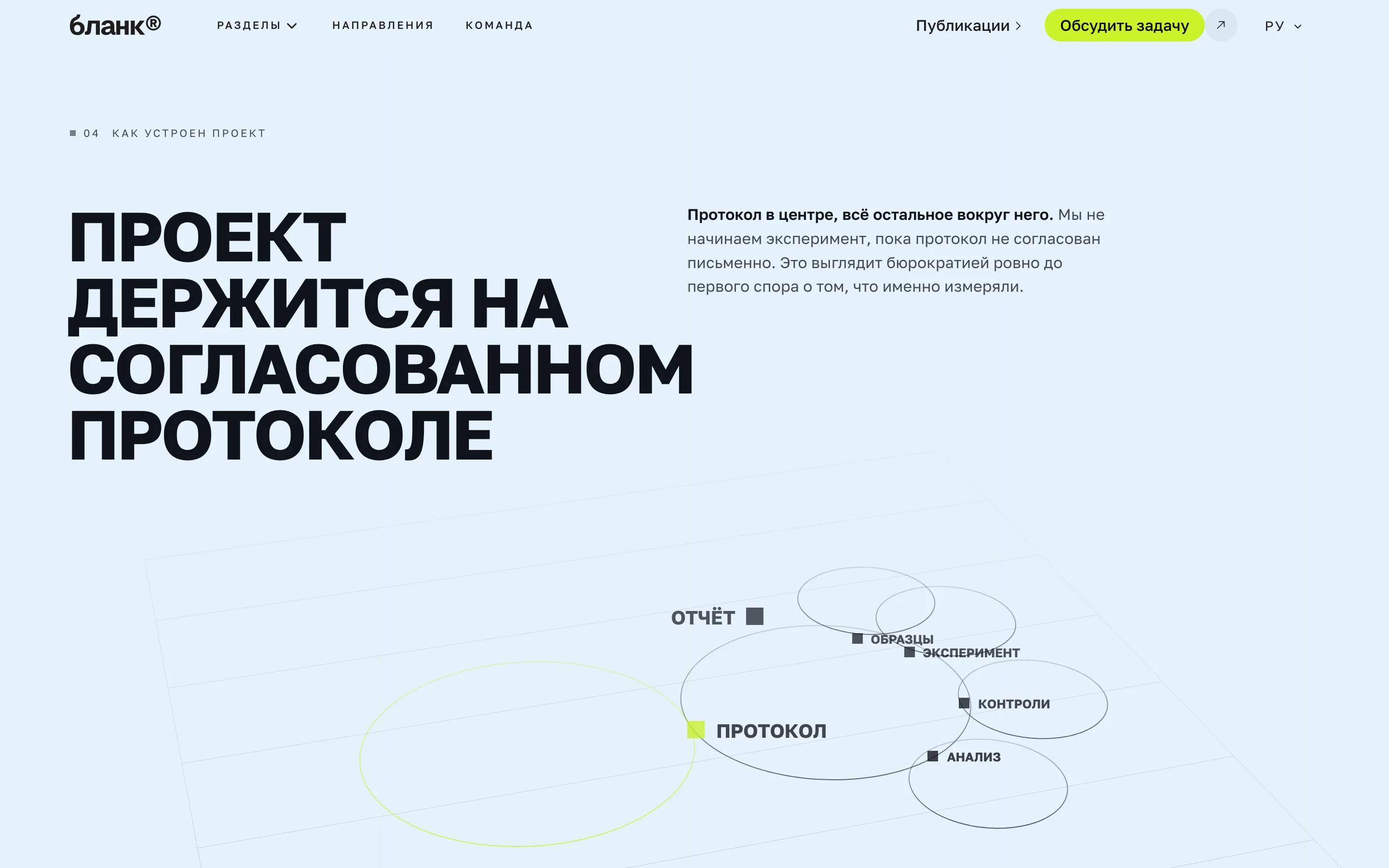

We update the instructions regularly, fix the rare mistakes and add new finished blocks. Every update is announced, and the new version can be downloaded at any point.
Then you write «/sitify doctor» — and the assistant finds what has changed since your build and applies it to the site you already have, without touching what the site was built for.



Your code, your cloud
A fresh copy deploys nowhere, and that is deliberate. Configs for Fly, Vercel, Netlify, Docker and GitHub Actions sit in a folder and are switched off: a new repository contacts no host at all. Where the site lives is your decision.
A whole team working for you
They are usually hired one at a time. A studio-grade site is not one person’s job. The skill carries the rules of each of the four roles and applies them in turn, in the order a team would have applied them.

- Stages of awareness
- Jobs to be Done
- The ladder of objections
- AIDA or PAS, to fit the task

- A palette for your brand
- Typeface pairs
- Grid and spacing
- Light and dark themes

- Pages built from the catalogue
- Phone, tablet, desktop
- Right-to-left languages
- The check before handover

- Page titles and descriptions
- Sitemap and language links
- The link image in messengers
- Files for search robots
A perpetual licence and updates: you buy an archive of the template, the instructions and the scripts, and we keep updating it — the new version comes to you
Personal — 1 licence
33 000 ₽
One person
The licence covers you: sites for yourself and for your clients, no cap on copies
Lifetime access
Everything there is today, and everything we add later
Teams — up to 25 people
116 500 ₽
Access for your entire team
A licence is bought for each team inside the company and covers up to 25 people — enough for even the largest of them
Everything in Personal
The same archive, the same perpetual licence
Enterprise — more than 25
On request
A team larger than 25 people
Talk to the sales department
Frequently asked
A folder of files: a skill for an AI assistant and a Next.js site template. The skill is the instruction by which the assistant turns that template into your site: what to ask you, what to decide first, what to check before handing it over.
Words from the people who shipped
What they say after the first page is built. We collect these as sites reach production and publish them with a name and a link to the result.
· Product landing
The agent used to hand me a page I rewrote by hand anyway. This one asked who the site was for and why before it laid out a single block. You can see the difference on the first screen.

· Corporate site
The catalogue settled the argument about what the next tile should look like. We take a finished one and change the words — client revisions stopped turning into new layout work.

· Two landing pages
Two languages as separate copy rather than as a translation is what was missing. The Russian and English pages argue differently, and that finally does not cost a second project.

· Portfolio
The check before handover catches what I normally find a week after launch: a forgotten placeholder, a repeated block, a heading with a full stop. It is good not to be the only pair of eyes.